
Time-approval guide

Access the online time-approval system
At the end of each week, you will receive an email from Peoplenet, our online time-approval platform, to approve timesheets. Clicking on the Approve Timesheets button will allow you to view all timesheets that need your approval.
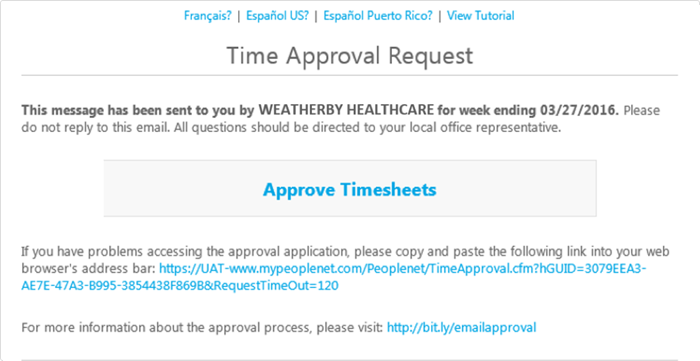
Approve time
Once in the system, you will see all providers that have entered time, including their total hours and associated work locations.
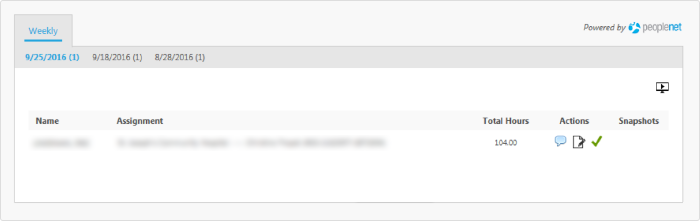
To view a detailed description of the timesheet submitted by the provider, click on "Total Hours." A PDF window will pop up. You can print the timesheet for your records, if needed.

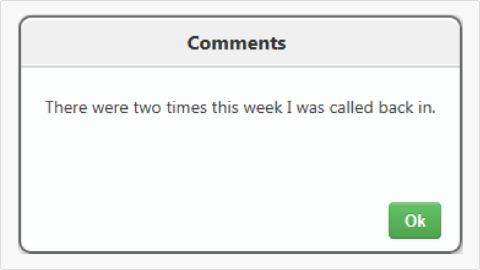
You are also able to click on the speech bubble icon, back on the main page, to view comments left by the provider. This button will only appear if comments have been entered.
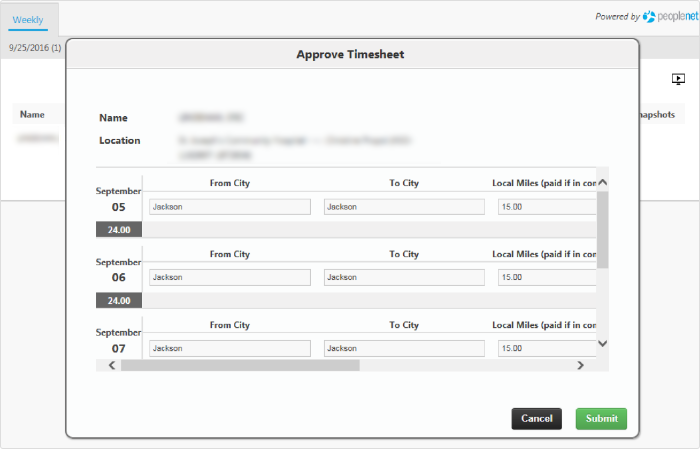
By clicking on the green check mark, back on the main page, you are able to approve all time entered by the provider. If there are mileage and tolls entered by the provider you will be brought to a page to view them. Click on the "Submit" button to continue to the end of the approval process.
You will be then brought to a confirmation page stating that all hours for this period have been resolved.
You will then be asked if there is an alternate approver, to which you will then respond "No," if you are the correct approver, and approving will then be complete.

Dispute time
To dispute time entered by a provider, click on the Edit icon on the main page to modify a timesheet.

Change the total hours entered by the provider under the New Amount column to the accurate value. You must enter a reason for the change. If you do not enter a comment, you will get an error requesting you to enter a comment.

Add an alternate approver
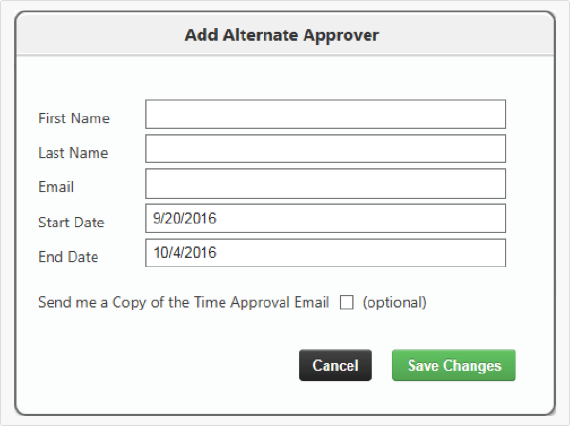
There are two ways to add an alternate approver:
You can add an alternate approver when prompted at the end of the approval process.
Alternately, select Alternate Approver from the menu option in the top right side of the page, and enter the alternate approver's details.
Remember, the alternate approval designation should be temporary, such as when you are going to be away from the office for a short period of time. If you need to permanently change the approver, please contact our helpline to make the change.
View reports
You have access to a series of reports. Select Reports from the menu option, and click on the desired report to open it.
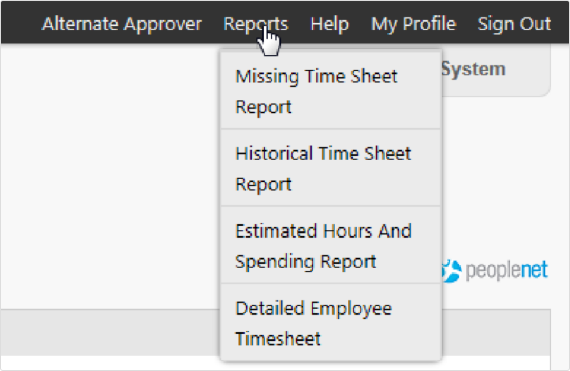
Missing Timesheet Report: This will show a list of providers that have not submitted time with their corresponding weeks.

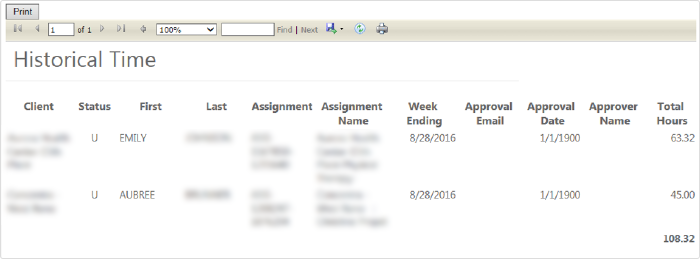
Historical Time Report: This report will show the total hours submitted by providers and the approval details.
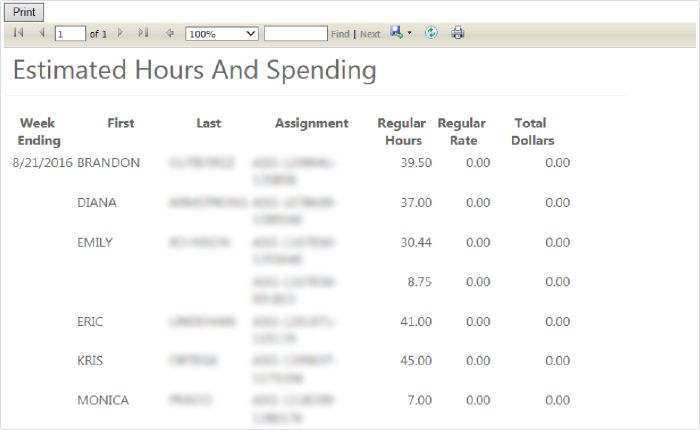
Estimated Hours and Spending Report: This report will show all hours entered by a provider.
Detailed Employee Timesheet Report: This report will show the daily details of all time submitted by a provider by time reporting code.

Staffing that works for you
Whether you’re facing long-term shortages or need temporary coverage, our physician staffing consultants create plans for keeping your facility running smoothly.
Recommended articles

Thank you,
We appreciate you contacting us. A consultant will be reaching out to you shortly to discuss this job opportunity. You can also get in touch with us directly by calling 954.618.5296.